What is Google Drive?
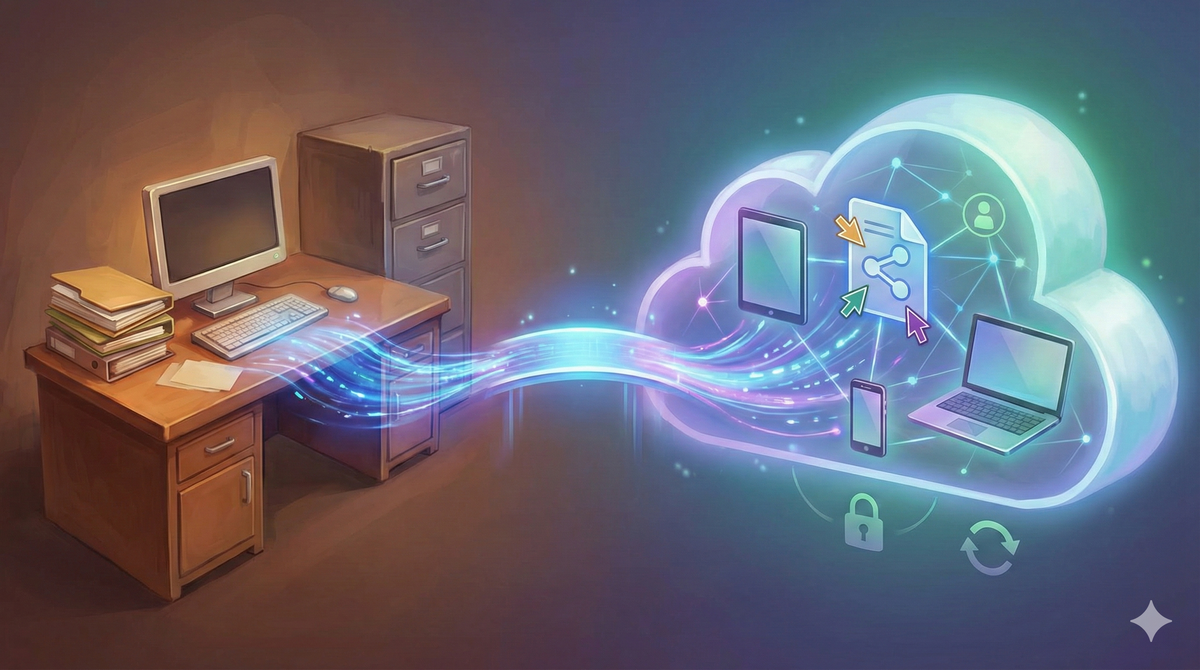
Think of Google Drive as a computer that Google runs for you. Instead of storing your files on the machine sitting at your desk, you store them on Google's machine, which you access through the internet.
But it's not just storage. Google Drive can run applications too. The same kind of work you do in Excel, Word, or PowerPoint, you can do directly inside Google Drive using Google's own versions of these tools. No installation required. No software updates to worry about.
Why does this matter for business?
Imagine your office has a shared filing cabinet. Everyone who needs a document walks up, pulls it out, makes a copy, and takes it back to their desk. Now multiply that by email. People sending files back and forth, nobody sure who has the latest version, attachments getting lost in inboxes.
Google Drive eliminates this. The file stays in one place. Everyone who requires access works on the same file, at the same time, from wherever they are. No emailing attachments. No version confusion.
Why is it safer than your computer?
Your computer is a single point of failure. Hard drive crashes, laptop gets stolen, you accidentally delete something. The data is gone or compromised.
Google Drive works differently.
- Your files are backed up automatically. You don't have to remember to do it.
- You can recover deleted files and previous versions.
- You control who can view, edit, or share each file.
This serves as both convenience and a safety feature.
What's next?
Google Drive also has features built specifically for organizations. Controls, permissions, and tools that let you manage how your entire team works with data. I will cover these in the next post.